The safe benchmark for cold email volume in 2026 is 40-60 emails per mailbox per day. Exceed 60 and you risk reputation damage with mailbox providers like Gmail and Outlook. Below 40 you're leaving volume on the table. The key is not a single magic number — it's how you scale across multiple warmed mailboxes and domains. This guide covers the exact sending limits, why they exist, and how to scale to thousands of cold emails per day without getting blocked.
Short answer: Send 40-60 cold emails per mailbox per day. Each mailbox should be warmed for at least 3-4 weeks before reaching that volume. For each secondary domain, use 2-3 mailboxes max. Scale by adding more domains and mailboxes, not by pushing a single inbox beyond its limit. In our experience, the sweet spot for most B2B cold outreach is around 50 emails per mailbox per day.
Why 60 Emails Per Day Is the Limit
Mailbox providers — Gmail, Outlook, Yahoo — use sender reputation algorithms that evaluate daily volume as a key signal. A mailbox that suddenly sends 200 emails per day with few replies or many bounces looks like a compromised account or a spammer. The reputation ceiling exists because providers want to see natural sending patterns: a few replies, some opens, low bounce rates.
The 40-60 range is not an arbitrary line. It's the range where, in our experience and from aggregated industry benchmarks, inbox placement remains above 90% for warmed domains. Push to 100+ per day from a single mailbox and you'll see placement drop into the 60-70% range within a week.
Cold email volume benchmarks: Mailbox providers like Gmail use a combination of volume, engagement, and complaint rate to score sender reputation. Sending more than 60 emails per day from a single mailbox increases the likelihood of being flagged. According to aggregated data from deliverability tools, inbox placement drops by 20-30% when daily volume exceeds 100 per mailbox. The safe zone remains 40-60 emails per day.
How to Scale Past 60 Emails Per Day
The only reliable way to send more than 60 cold emails per day is to use multiple mailboxes across multiple domains. You do not push one inbox harder — you add more infrastructure. Here's the formula that works:
- Secondary domains only: Never send cold email from your primary business domain. Register 3-5 secondary domains that are believable brand variants (e.g., yourbrand-team.com, yourbrand-io.com). These domains exist solely for outreach.
- 2-3 mailboxes per domain: Each domain should host no more than 2-3 sending mailboxes. Stacking 10 inboxes on one domain amplifies risk: one bad mailbox drags down all the others.
- 40-60 emails per mailbox per day: Each mailbox stays within the safe volume. If you need 300 emails per day, you need at least 6 mailboxes (300 / 50). That means 3 domains with 2 mailboxes each.
- Rotate senders: Don't send all your emails through the same inbox every day. Spread them across your pool evenly. ACA's campaign builder handles automatic sender rotation for you.
Use a single mailbox when: your total outreach volume is under 200 emails per week, you have a small list, and you don't need multichannel touchpoints.
Use multiple mailboxes and domains when: your volume exceeds 300 emails per week, you run outreach in multiple time zones, or you need to maintain high inbox placement across campaigns.
Domain and Mailbox Strategy for 1000+ Emails Per Day
Let's say you want to send 1,000 cold emails per day. At 50 emails per mailbox, you need 20 mailboxes. That means at least 7-10 domains (2-3 mailboxes each).
| Daily Volume | Mailboxes Needed (at 50/mbx) | Domains Needed (3 mbx per domain) |
|---|---|---|
| 200 | 4 | 2 |
| 500 | 10 | 4 |
| 1,000 | 20 | 7 |
| 2,000 | 40 | 14 |
Each mailbox must be warmed for 3-6 weeks before hitting full volume. This means you need to plan infrastructure builds months ahead of a campaign. In our experience, agencies that scale to 2,000+ emails per day maintain a pool of 15-20 domains with warm mailboxes rotating in and out.
Beyond Volume: What Actually Protects Deliverability
Volume is only part of the picture. Many campaigns fail not because they send too many emails, but because they ignore the factors that keep inbox placement high:
- Engagement rate: If nobody opens or replies to your emails, providers penalize you regardless of volume. Focus on list quality and copy that gets responses.
- Bounce rate: Keep bounces below 2%. Hard bounces from invalid addresses destroy sender score. Verify your list before every send.
- Complaint rate: Spam complaints above 0.1% will get your domain flagged. Make unsubscribing easy and target carefully.
- Authentication: SPF, DKIM, and DMARC are non-negotiable for every domain. See the complete deliverability guide for setup details.
- Multi-channel: When email is your only channel, you need more touches per prospect. Multi-channel sequences (LinkedIn, WhatsApp, Instagram) get responses faster and reduce the email burden.
How ACA Manages Multi-Mailbox Sending
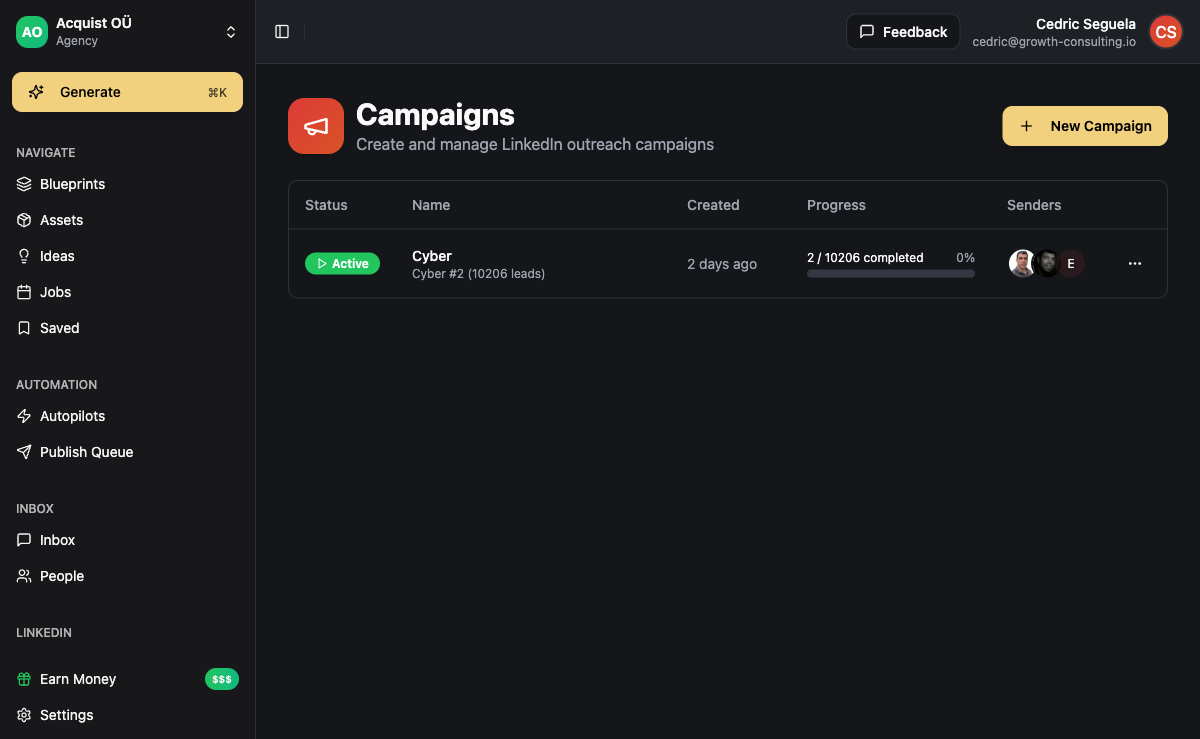
ACA's campaign builder supports multiple sending accounts per channel. You add all your warmed mailboxes, set the sending limits per mailbox, and the platform distributes outreach across them automatically. No manual rotation, no risk of sending too many from one inbox.
ACA also gives you per-mailbox performance analytics — you can see which inboxes have the best reply rates, which ones need rest, and which are trending toward reputation issues. Combined with the unified inbox that captures replies from all channels, you never miss a response no matter which mailbox it landed on.
For agencies, ACA's workspace isolation means each client's mailboxes and domains are completely separate. One client's deliverability issue never contaminates another client's sending infrastructure.
For the full technical setup on authentication and warm-up, read our cold email deliverability guide. And if you're comparing tools, see how ACA stacks up against other platforms in our best cold email software comparison.
Frequently Asked Questions
How many cold emails can I send per day from a single Gmail account?
For a standard Gmail account (free or Workspace) that has been properly warmed, stay between 40-60 cold emails per day. Gmail's daily sending limit for automated tools is around 500 per day, but that's a hard cap, not a safe target. For deliverability, the limit is much lower. Sending 40-60 emails per day from a Gmail account keeps you under the reputation radar.
Can I send more than 60 cold emails per day if I use a dedicated IP?
A dedicated IP helps you control reputation independently, but it does not change the volume-per-mailbox rule. The mailbox provider still evaluates each sending identity. A dedicated IP with a single mailbox still caps at 40-60 per day. To scale, you need multiple mailboxes, even on a dedicated IP.
What happens if I send 200 emails from one mailbox in a day?
Most likely: your open rate will plummet within 48 hours as the mailbox provider starts filtering your messages. You might also see your domain added to blacklists. Recovery takes 1-2 weeks of reduced sending (back to 10-20 per day) and aggressive warm-up. It's far cheaper to build proper infrastructure upfront.
Does the content of the email affect how many I can send?
Indirectly, yes. Emails that get high engagement (replies, clicks) reinforce good reputation, which gives you more leeway with volume. Emails that get ignored or marked spam degrade reputation faster. But even with perfect content, pushing volume beyond 60 per mailbox per day will eventually hurt you. Content quality does not override sending behavior.
How long does it take to warm up a mailbox to 50 emails per day?
Typically 3-6 weeks. Week 1: 5-10 emails per day via a warm-up service. Week 2: 15-20. Week 3: 30-40. Week 4: 40-50. Continue warmup in the background even after you start real outreach. Do not skip weeks or accelerate the schedule — mailbox providers track the gradual ramp.
Is it better to send fewer emails per day with higher personalization?
Yes, in most cases. 50 highly personalized emails that get a 10% reply rate will move your pipeline more than 100 generic emails that get 1% replies. But the volume limit still applies: personalization does not exempt you from per-mailbox constraints. Optimize for engagement first, then scale volume with infrastructure.