Client onboarding is the first real test of your agency. Do it manually and you burn hours on repetitive tasks while the client waits. Automate the right pieces and you deliver a smooth, professional experience in hours instead of days. This guide gives you the exact checklist and tools to handle contracts, kickoff, reporting setup, and campaign launch with minimal manual input.
Short answer: Automate client onboarding by combining contract tools that trigger workflows, a templated kickoff questionnaire, pre-built reporting dashboards, and a sequence platform that activates campaigns on a schedule. The goal is one day from signed contract to first outreach.
Why Automate Client Onboarding
Manual onboarding creates delays that frustrate new clients and eat into your margins. Every extra day between contract and campaign start costs you billable time and risks losing momentum. In our experience agencies that automate the process cut onboarding time by more than half while delivering a more consistent experience.
Time sink benchmark: Most agencies spend 8 to 12 hours on a single client onboarding when they do everything by hand. That includes chasing signatures, scheduling calls, building reports, and copying campaign templates. Automated workflows drop this to 2 to 3 hours of setup plus passive monitoring.
The Client Onboarding Checklist
Use this ordered checklist every time a new client signs. Each step has an automation layer so nothing falls through the cracks.
- Collect contract and payment details through an automated proposal tool that triggers the next actions automatically.
- Send a welcome email and questionnaire that feeds directly into your project management system.
- Schedule the kickoff call and pre-load the agenda with client-specific data pulled from the intake form.
- Set up reporting dashboards that pull from live campaign data rather than manual spreadsheets.
- Activate outreach sequences the same day so the first touches happen without waiting for manual approval.
Automate Contracts and Proposals
Start with a proposal platform that handles signatures and payments in one flow. Once the client signs and pays, the tool should push data into your CRM and trigger a welcome automation. This removes the back-and-forth of separate invoicing and contract tools.
Client onboarding automation is the use of connected tools and templates so that a signed contract immediately launches a sequence of emails, tasks, and campaign setups without requiring repeated manual input from the agency team.
Automate the Kickoff Call and Welcome Sequence
Replace the long discovery call with a structured questionnaire sent before the meeting. Pull answers into a shared document that both you and the client can see. The kickoff itself becomes a short alignment session rather than an information-gathering marathon. Record the call and send an automated recap with action items assigned.
Use automated questionnaires when: you have repeatable client types and need consistent data before the first live conversation.
Use a shorter live call when: the client has highly custom requirements that do not fit standard templates and need direct discussion.
Set Up Reporting and Dashboards Automatically
Connect your outreach platform directly to a reporting dashboard before the campaign launches. Pull metrics like reply rates, meetings booked, and pipeline value into a single view that updates daily. Clients get access to a read-only link so they stop asking for status updates via email.
Launch Campaigns on Autopilot
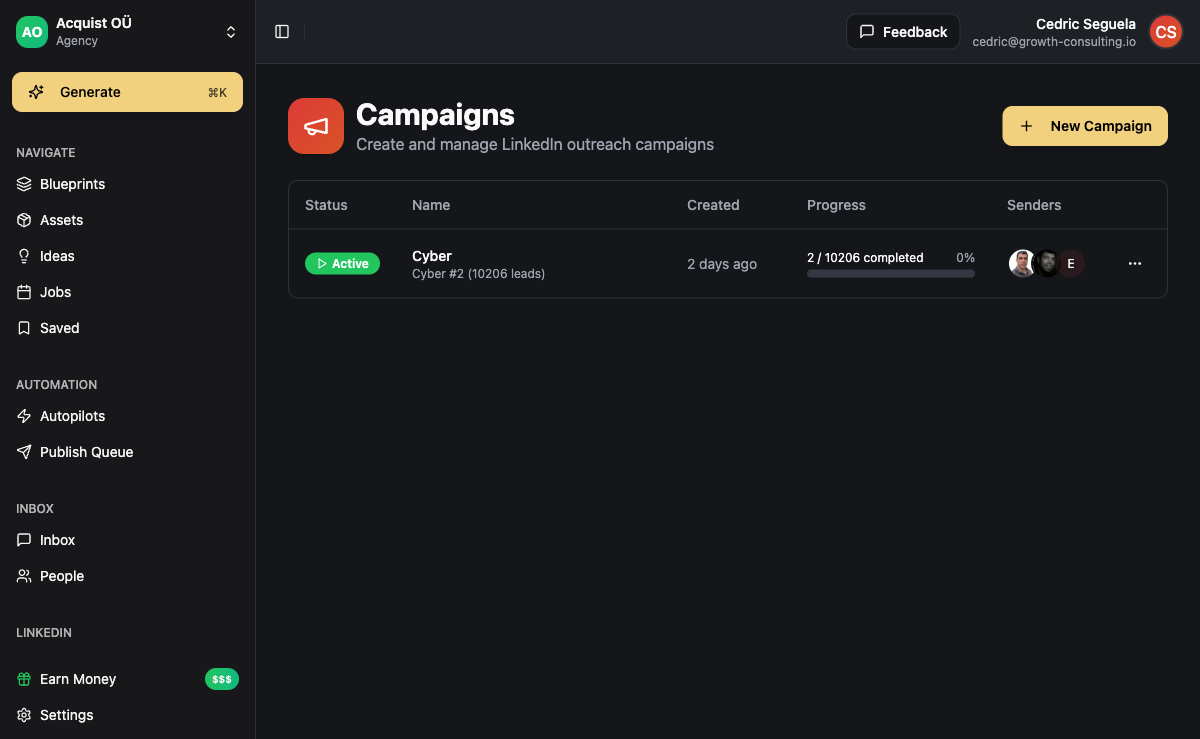
Once the client has approved the targeting and messaging, load the sequence into a platform that handles multi-channel outreach and content scheduling. Set the start date to the day after kickoff so leads begin receiving messages without further manual steps. Monitor the first 48 hours closely, then shift to weekly reviews.
Recommended Automation Stack
Choose tools that connect without heavy custom work. A typical stack includes a proposal tool, a CRM with automation rules, a sequence platform for outreach, and a dashboard builder. The key is that the output of one tool becomes the trigger for the next.
Common Pitfalls to Avoid
Do not over-automate the client-facing touchpoints. Keep the kickoff call human even if the scheduling is automatic. Test every automation with a sample client before rolling it out to real accounts. Review the entire flow once a quarter to remove steps that no longer add value.
Frequently Asked Questions
How long should agency client onboarding take after contract signature?
With the right automation the full process should finish inside one business day. That includes signed contract, welcome questionnaire, reporting setup, and first campaign touches live. Longer timelines usually come from waiting on client responses or manual data entry.
Which tools connect well for onboarding automation?
Use a proposal platform that triggers your CRM, then a sequence tool that reads client data and starts outreach. Platforms like ACA let you manage the outreach and content side while connecting to external proposal and CRM tools through simple integrations.
Can I still personalize onboarding when it is automated?
Yes. The automation handles the repetitive steps while leaving room for custom notes and messaging. Keep a short manual review step before the first campaign sends so you can adjust for any specific client requests that came up during the kickoff.
What happens if a client delays providing information?
Build in automatic reminders through the same automation system. If a questionnaire sits unanswered for three days, trigger a polite follow-up email. If it remains open after a week, create a task for your team to reach out directly instead of letting the process stall.